View an Existing Block Model
Select Model
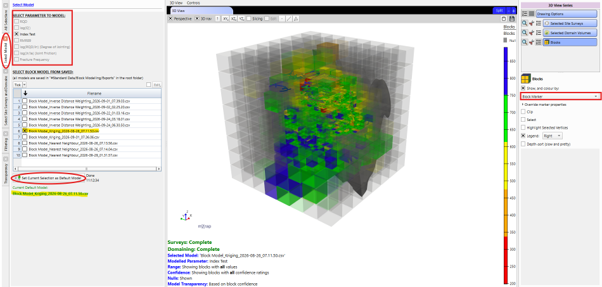
An existing block model that has been previously exported can also be viewed over current
site surveys and structures. Any model that is saved in the export location on the root folder
#Standard Data/Block Modelling/Exports is available, and the application will show the
'default' model in the 3D view when first opened. Press the Set Current Selection as
Default Model button to update which model is the default.
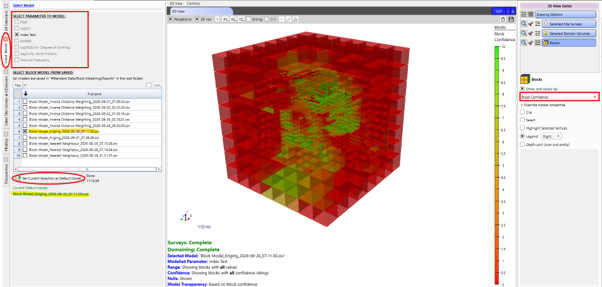
Each export contains the results for all parameters. Select which parameter to show in the 3D view from the panel, and the footer will show a status update for the survey and domaining loading progresses. The corresponding confidence ratings can also be viewed.
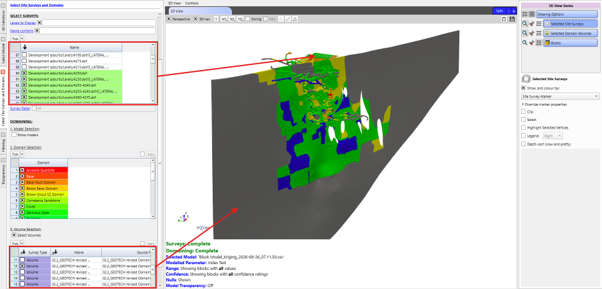
Select Site Surveys and domains
The Select Surveys table displays all available surveys organised by folder structure. Use the Levels to Display control to adjust the hierarchy depth. Selecting a parent folder automatically selects all child surveys.
The domaining section displays the mine's Saved Models and the domains within each model. Select the domains to be analysed, and only the blocks whose centroid is assigned the same domain as one that has been selected will be visible in the 3D view.
The domain volumes can also be selected. Use the Select Volumes control to turn this feature on and choose which domain volumes to include.
The block model results will automatically be reflected onto which ever site surveys and domain volumes have been selected. The Survey Detail control refines this for greater detail (particularly on volumes) when desired.
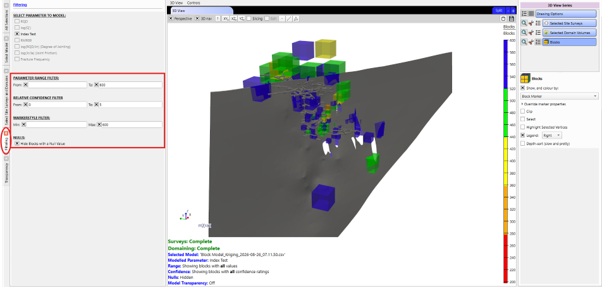
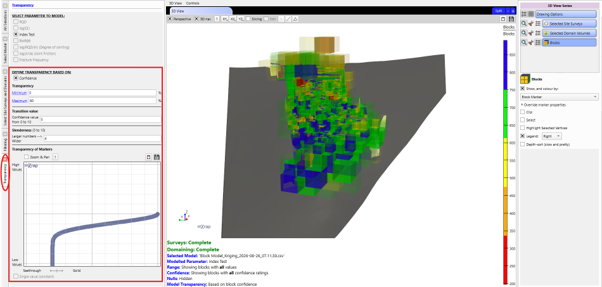
Filtering and Transparency
The same filtering and transparency features are available in the model viewer as with the new model generation. See above for details.