Faults
Purpose
Import structural surveys for visualisation and calculating fault parameters.
Steps
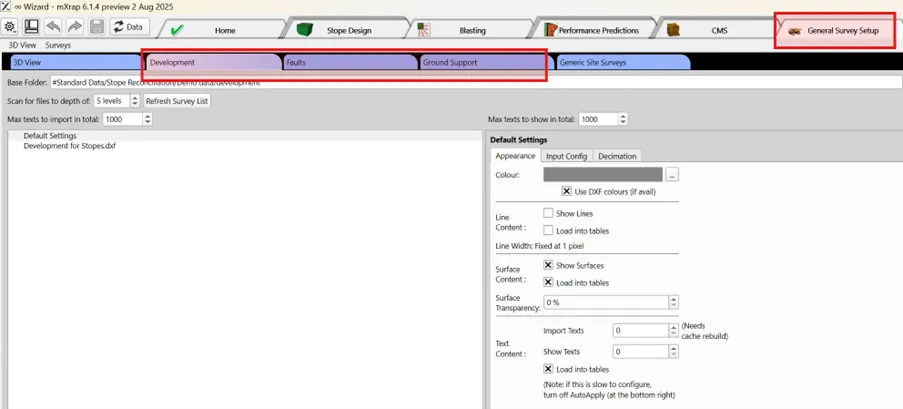
- Import Surveys (if required).
-
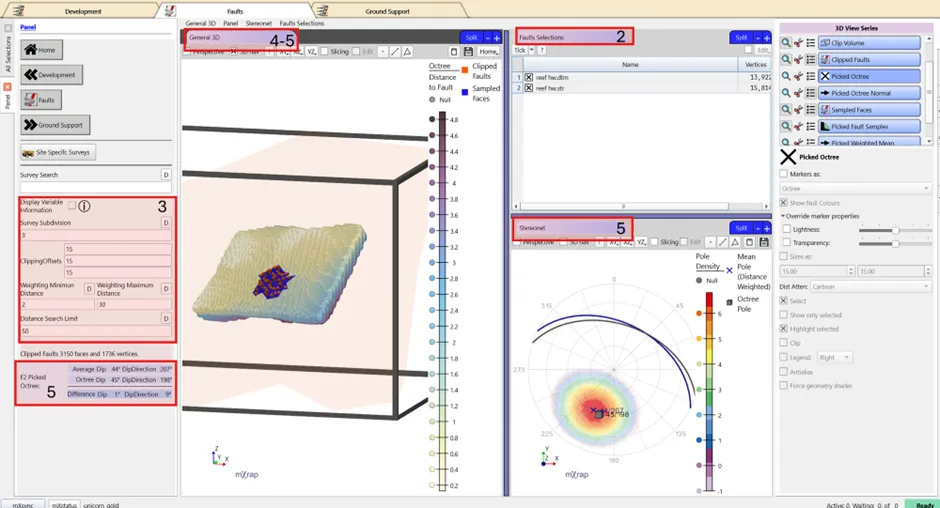
Tick the faults critical to stope performance from the table view.
-
Adjust survey subdivision clipping box and weightings and search distance (if required).
Remarque
This is rarely required but may be adjusted for specific case e.g. to increase subdivision and decrease clipping if there a lot of faults or increase search limits for very large stopes and sparse faults.
-
Check in 3D Viewer - Validate mapping computations.
-
F2 on an octree to see the structural sampling, the octree and structural orientation in the stereonet as well as the difference in Dip/Dip direction in the panel.