Permanent Segment Creation
It is possible to setup permanents segments (e.g. lines and points) from an Inspections app. Permanent segment are segments that are always going to be visible on the levels in the webforms.
You can assign names (e.g. Crusher, drive, stopes).
astuce
These are useful to speed up the data entry process and to have consistent mapping if areas needs to be regularly inspected.
How to Use in Webforms
Here is a video or what it looks like in the webforms
How permanent segments (lines and points) show in the webforms
How to create them
Here is a video on how to set them up (demo in the Damage Inspections app)
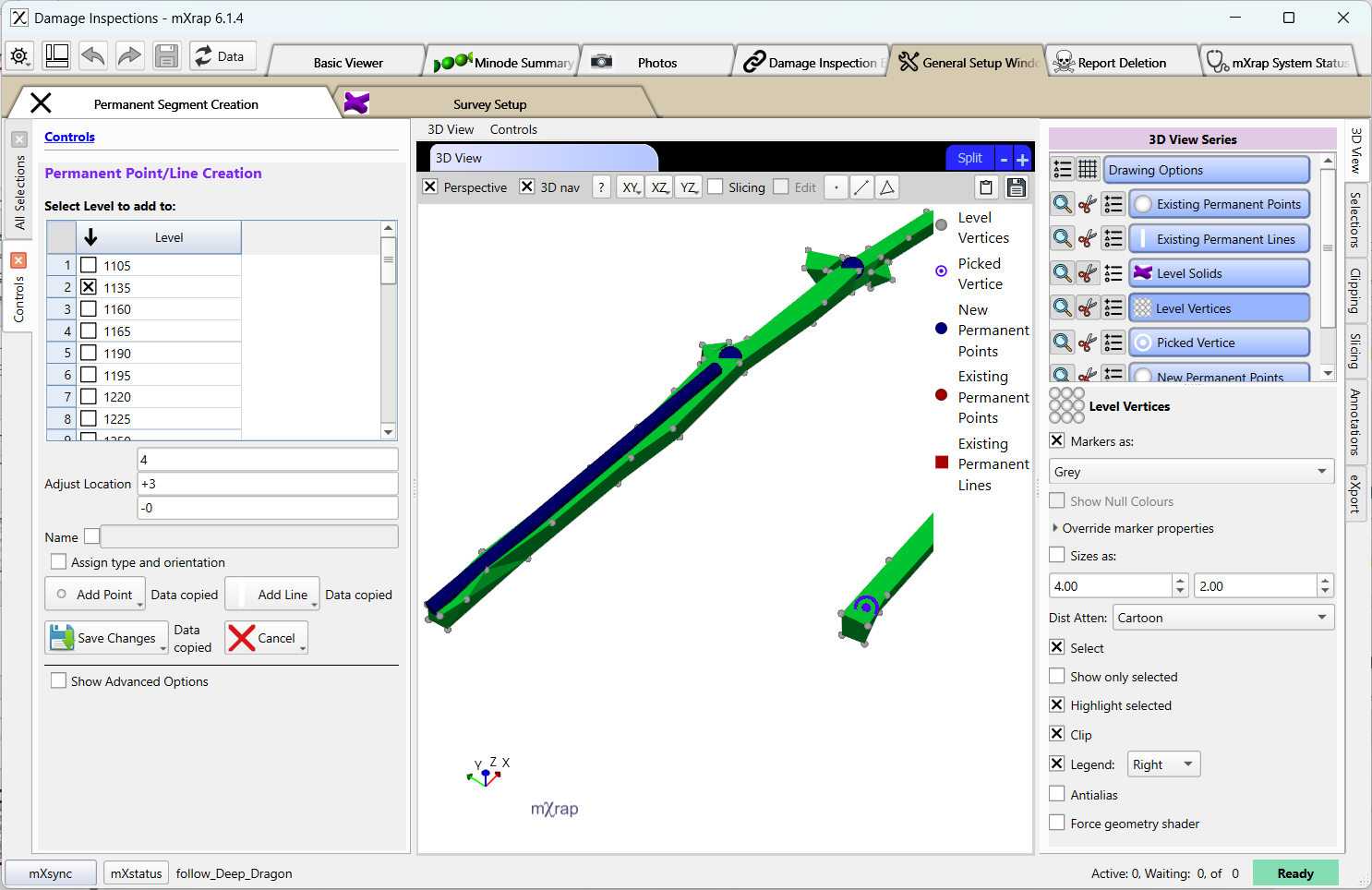
Procedure to create permanent segment (points and lines) for webforms.
Example is from the Damage Inspections app