Check Z-values
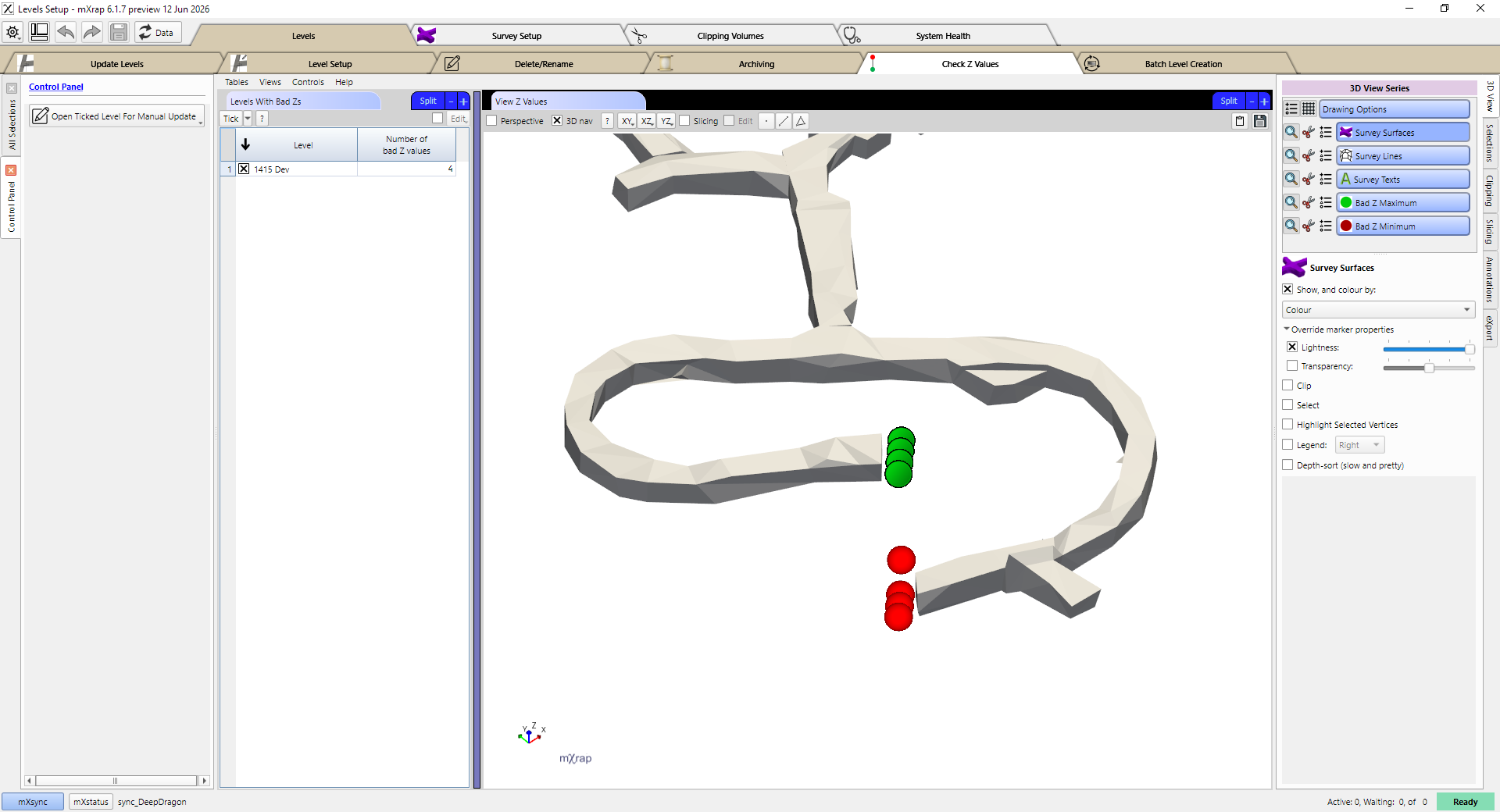
This window is used to check for levels that might have Z-value map errors. On the left you will see a list of levels which have bad Z-values, and the number of bad Z-values for each of those levels. If you tick on one of these levels then its contents will be shown in the 3D view. The view will also show points to indicate where the bad Z-values are, as described in the level setup section on clipping.
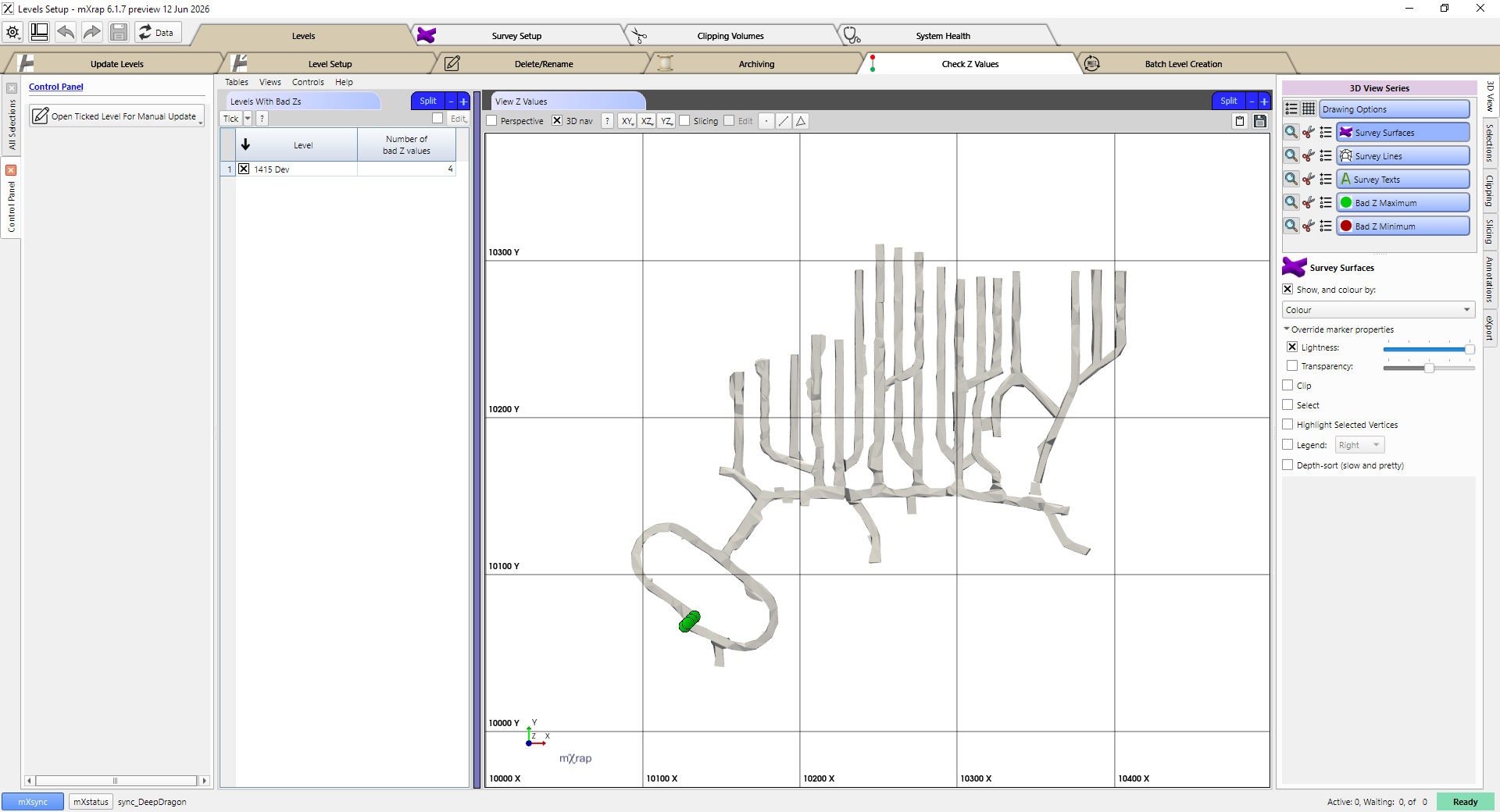
In this case if we zoom in on the bad Z-values, we can see that the development does not genuinely overlap. This should not cause problems because people should not be drawing lines from the lower area to the higher area. If there are genuine problems that you want to fix by adjusting the surveys or clipping, you can click the Open Ticked Level For Manual Update button, which will take you to the Level Setup window for this level.