Reconciliation
Purpose
Assess the predicted stope performance.
Steps
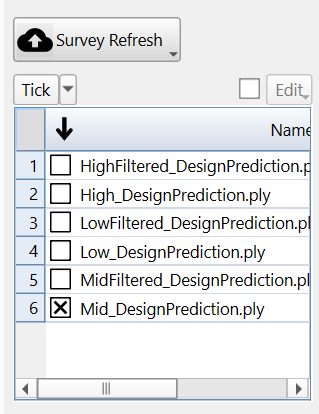
- Predicted surfaces selected in panel. There are 6 surfaces generated filtered and non-filtered versions of the low, medium, and high cases corresponding to the prediction thresholds previously specified.
- Visualise Results:
_ 3D Viewer - visualise OB/UB vs design/mined surveys.
_ Per Stope Summary - overall volumes.
_ Per Face Summary - detailed breakdown.
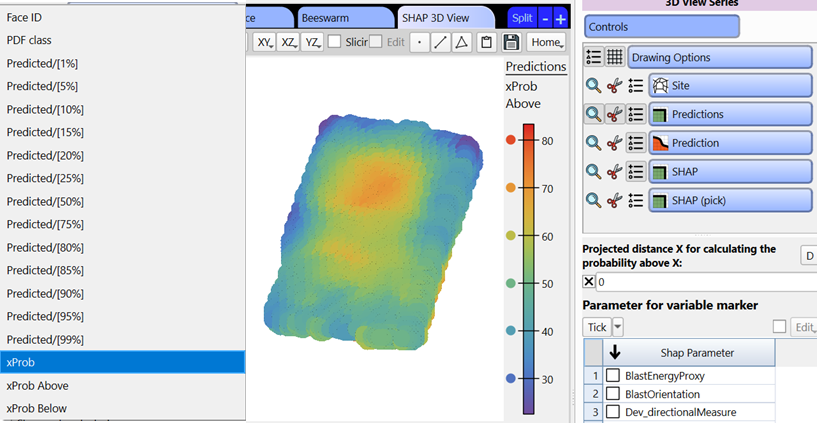
_ Per octree (use the octree design series markers). Visualise the prediction for different percentiles, or the probability of for each octree to exceed a given distance.
- Export results
- These results can be visualised in the analysis app.
astuce
If the surface didn't update, hit the survey refresh button.
Video
Explains the Reconciliation window layout and tools in the stope reconciliation Prediction Module.